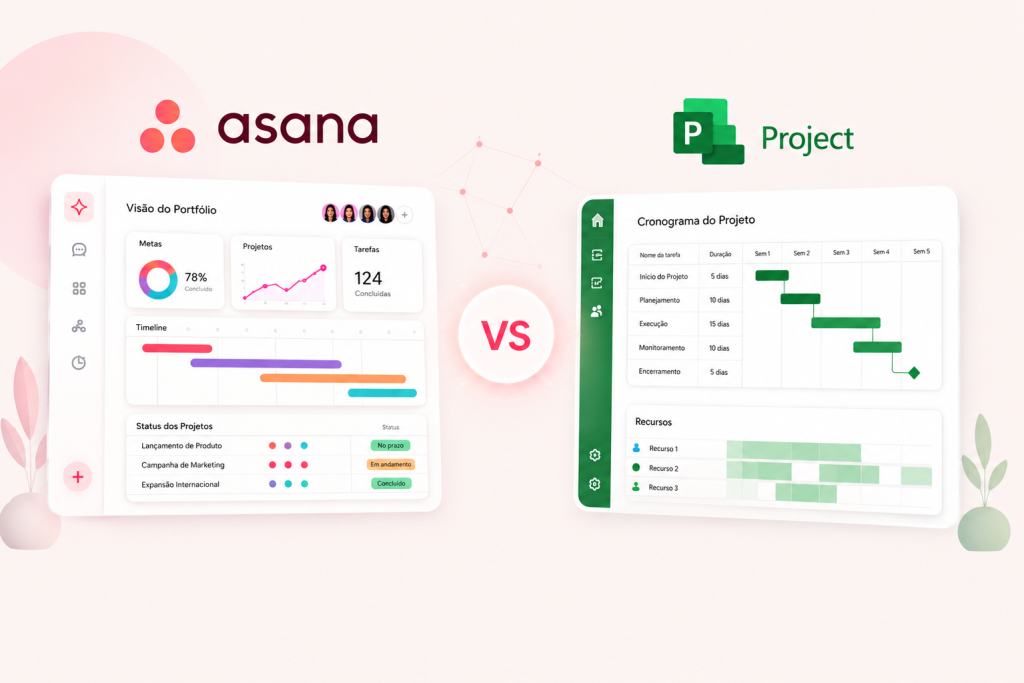
For many years, Microsoft Project was practically synonymous with project management software. Schedules, dependencies, resource allocation and deadline tracking made it a common choice, especially among project managers and traditional PMO structures.
But the way companies work has changed.
Today, project management rarely involves just a project manager and a schedule. Marketing, IT, operations, product, HR, finance and leadership need to collaborate, track priorities, receive updates and connect projects to the company’s strategic goals.
In this context, the comparison of Microsoft Project vs. Asana takes on a new dimension.
There is also an important change taking place within Microsoft’s own ecosystem. Project for the web was discontinued in August 2025, with its main capabilities moving to Microsoft Planner. Meanwhile, Project Online is scheduled to retire on September 30, 2026. Project Desktop, however, remains available and is not affected by Project Online’s retirement.
For companies reviewing their project management structure, a natural question arises:
Should we stay with Microsoft Project’s traditional approach or move to a work management platform like Asana?
In this article, we compare both approaches.
Microsoft Project and Asana have different purposes
Before deciding which tool is better, it is important to understand that Microsoft Project and Asana were built around different philosophies.
Microsoft Project represents a traditional, schedule-centered approach; Asana broadens that view by connecting planning, collaboration, execution, portfolios and goals. The desktop version lets you create plans, structure teams, allocate resources, track progress and manage budgets.
This model makes sense for projects where the schedule is central to management.
Asana takes a broader view.
It goes beyond a project’s schedule to connect tasks, projects, processes, portfolios and strategic objectives within a single work management structure. The platform offers lists, boards, Timeline, Gantt, forms, rules, custom fields, portfolios, Goals and workload management, depending on the plan.
This difference matters.
Microsoft Project has historically focused heavily on project planning.
Asana focuses on managing the work that happens around projects.
For many modern companies, that second need is growing.
Microsoft Project vs. Asana: quick comparison
The choice therefore depends on more than simply checking which tool has a Gantt chart.
The right question is:
How does the company want to work?
1. Planning and scheduling
This is probably where Microsoft Project built its reputation.
For project managers accustomed to detailed schedules, predecessors, resources, costs and structured planning, Project Desktop still offers important functionality. Microsoft maintains features for creating plans, tracking progress, allocating teams and controlling budgets.
Asana, however, has advanced considerably in this area.
The platform now offers Timeline and a Ganttview, showing tasks, dependencies and milestones across the schedule.
The main difference is the experience.
In Asana, the schedule does not need to be separate from daily execution.
The task shown in Gantt is the same one team members use to:
- receive instructions;
- talk with the team;
- attach files;
- track owners;
- update deadlines;
- record approvals;
- view dependencies;
- track execution.
This brings planning and operations closer together.
2. Cross-team collaboration
This is where one of the biggest differences emerges between Asana and Microsoft Project.
Modern projects usually depend on several departments.
Imagine a product launch.
The project might involve:
- Product;
- Marketing;
- Technology;
- Legal;
- Sales;
- Finance;
- Operations.
The challenge goes beyond building a schedule.
Every team needs to know:
what needs to be done, who owns it, when it is due and how it connects to the rest of the project.
Asana was designed with a strong focus on collaborative, cross-functional work, connecting tasks, projects, portfolios and objectives in one platform.
In practice, this makes the platform appealing when project management needs to move beyond the project manager alone and become part of teams’ daily work.
3. Project portfolio management
As a company grows, tracking a single project is no longer enough.
A PMO may be managing:
- 10 strategic projects;
- 30 internal initiatives;
- different owners;
- multiple departments;
- at-risk projects;
- delayed projects;
- different priorities.
In this setting, leadership does not want to open every project to understand what is happening.
It needs a consolidated view.
The Portfolios feature in Asana brings different projects together to track owners, statuses and other information in one centralized view. The platform also connects projects and initiatives to organizational Goals.
This creates a layered structure:
Strategic objectives
↓
Portfolios
↓
Projects
↓
Tasks
The result is a stronger connection between strategy and execution.
For organizations looking beyond isolated schedule management, this is one of the strongest arguments for Asana.
4. Resource and capacity management
Another classic project management challenge is answering:
Do we have enough people to deliver all of this?
A perfect schedule is little use if five projects depend on the same person in the same week.
Microsoft Project requires more specialized expertise and upkeep for resource management, while Asana makes it more accessible and connects planning to teams’ actual work. Microsoft itself highlights team planning and allocation features in Project Desktop.
Asana addresses this through features such as Workload, which help teams visualize capacity and work distribution across projects.
Again, the difference lies in the connection to operations.
Workload can be analyzed using the actual tasks and projects in the team’s daily routine.
Managers can then identify overload before it causes delays.
5. Process automation
Modern project management also involves eliminating repetitive activities.
For example:
When a request arrives, someone needs to create a task.
When status changes, someone needs to notify another department.
When an approval is complete, someone needs to move work to the next stage.
When a deadline approaches, someone needs to follow up with the owner.
If all of this relies on manual actions, the process starts creating rework.
In Asana, Rules automate actions within workflows. The platform also provides forms and features for creating and standardizing workflows.
This makes Asana more than a tool where people update tasks.
It can become part of the operational process itself.
6. Asana AI: intelligence built into work management
Artificial intelligence is also changing comparisons between project management tools.
Asana has been incorporating AI features directly into workflows.
The platform now includes features related to Asana AI, AI Studio, AI Teammates and Asana Dash, supporting automation, prioritization, blocker identification, update generation and execution of certain work stages.
The AI Studiofeature, for example, lets you create AI workflows without code, configuring instructions so AI can execute specific parts of a process.
This opens up interesting possibilities.
Imagine an IT request workflow.
A new request comes in.
AI can help:
- interpret the request;
- classify it;
- identify its priority;
- route it to the right workflow;
- support the team with information;
- keep work connected to the rest of the process.
Management goes beyond tracking tasks.
It also involves orchestrating work across people, processes and AI.
7. Ease of adoption
A project management tool only delivers results when people actually use it.
This point is often underestimated.
A solution may be technically excellent for a project manager, but if Marketing, HR, Sales or Operations teams struggle to update their work, separate tracking systems quickly appear.
Then come:
- spreadsheets;
- emails;
- messages;
- personal tracking systems;
- documents;
- meetings just to discover status.
Asana aims to let different departments work in the same platform, with an experience designed for managers and the people performing the work alike.
That is an important distinction for organizational adoption.
8. Microsoft Project’s future also belongs in the decision
In 2026, no comparison of Microsoft Project and Asana should ignore changes in Microsoft’s portfolio.
The Project for the web was retired in August 2025, with its capabilities moving to the new Planner experience.
Meanwhile, Microsoft Project Online will retire on September 30, 2026. Microsoft clarifies that Project Desktop remains available and is unaffected by this change.
So we cannot simply say “Microsoft Project is gone”.
It has not.
But the ecosystem is undergoing a significant transformation.
For organizations using Project Online or reviewing their project management architecture, this is a good moment to ask:
Do we just want to replace a tool, or use this change to rethink how we work?
That is where Asana deserves serious consideration.
Is Microsoft Project still worthwhile?
Yes.
Microsoft Project Desktop still makes sense, particularly where projects require a traditional approach with a strong planning focus.
For example:
- extremely detailed schedules;
- specialized planning professionals;
- in-depth management of specific resource and cost structures;
- organizations with established processes around Project Desktop.
In some projects, replacing a working structure simply because a newer tool exists does not make sense either.
But there is an important difference between:
managing a schedule
and
managing an organization’s work.
For the second need, Asana offers a much broader proposition.
Why choose Asana instead of Microsoft Project?
For companies comparing Microsoft Project vs. Asana, some of the main arguments for Asana are:
Management beyond the schedule
Projects, tasks, processes, portfolios and goals can share the same structure.
Cross-department collaboration
The platform does not have to remain exclusive to the project manager or PMO.
Executive visibility
Portfolios and Goals help connect execution and strategy.
Automation
Rules help reduce repetitive activities and standardize workflows.
Capacity management
Workload lets you analyze work distribution across teams and projects.
Different ways to view work
List, board, calendar, Timeline and Gantt let people with different needs follow the same work in the most suitable way.
Artificial intelligence
Features such as AI Studio and AI Teammates expand the possibilities for automation and intelligent workflow management.
Organizational scalability
The same platform can connect individual activities, projects, portfolios and strategic objectives.
Microsoft Project vs. Asana: why is Asana better prepared for modern work?
If the priority is primarily technical schedule planning in a traditional project management structure, Microsoft Project Desktop remains a relevant tool.
But if the company needs to connect:
planning + execution + collaboration + automation + portfolios + goals + capacity + AI,
then Asana is the more comprehensive choice for modern work management.
That difference becomes even more important when projects stop being the PMO’s sole responsibility and depend on collaboration across the company.
The best tool does more than create the most detailed schedule.
It enables strategy and execution to happen in the same environment.
In this scenario, Asana has the advantage.
Thinking about moving from Microsoft Project to Asana?
Moving tools should mean more than copying tasks from one system to another.
It is an opportunity to review:
- project structure;
- current processes;
- responsibilities;
- approval workflows;
- metrics;
- automations;
- portfolios;
- capacity management;
- governance;
- how leadership monitors progress.
With a well-structured implementation, Asana can become more than an alternative to Microsoft Project: it can provide a new layer of work management for the entire organization.
The team at TaskWork can support your company from understanding the current situation through process design, platform configuration, migration, team training and ongoing development of your Asana environment.
Want to explore what project management in Asana could look like for your company? Talk to our specialists.